

AI Lifestyle Product Photography: A Practical Guide for Ecommerce
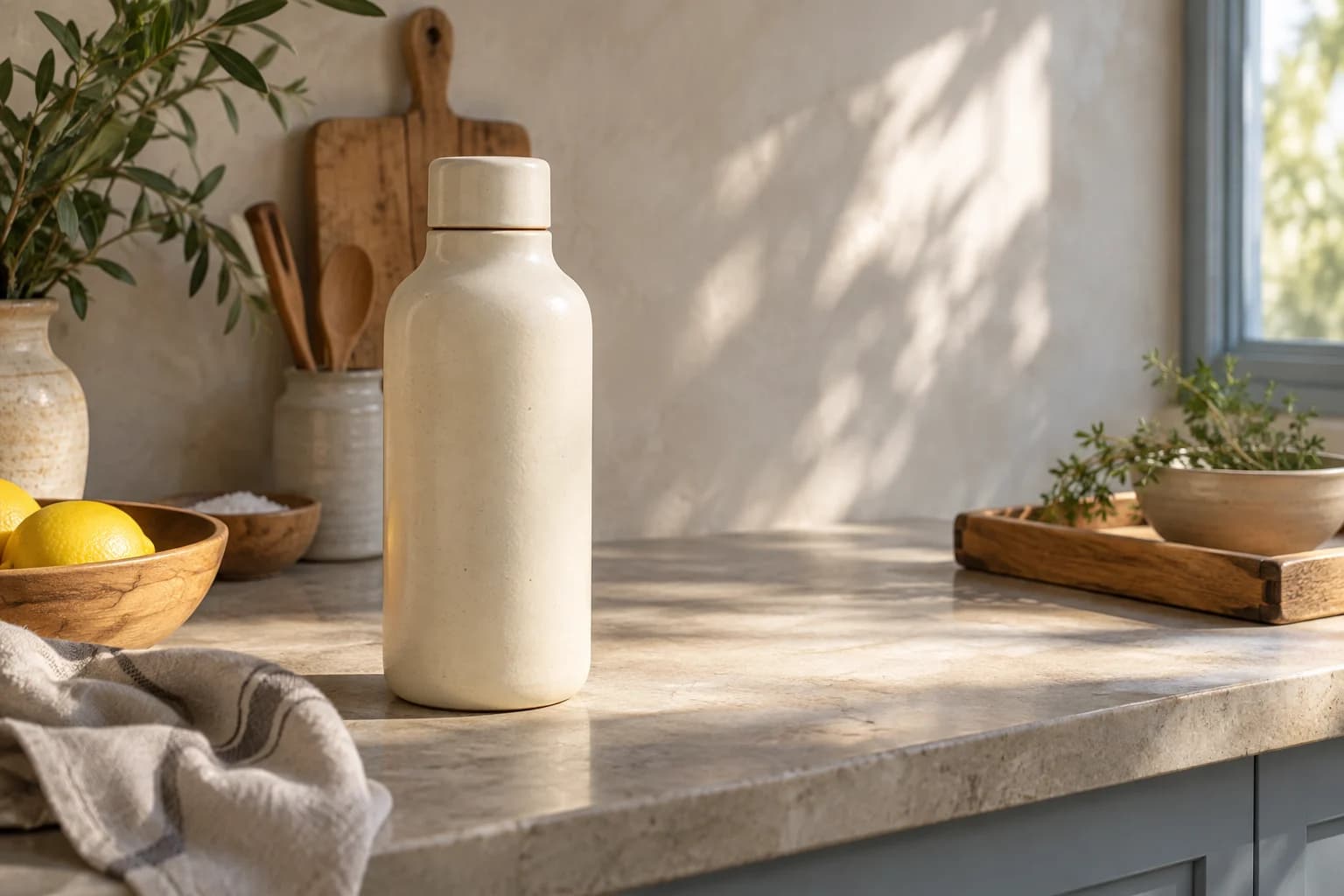
AI lifestyle product photography is useful when a plain product image does not explain how the product fits into a customer's day. A clean hero tells people what the object is. A lifestyle image can show where it belongs, how large it feels, or what kind of routine it supports.
The catch is that the scene should add context without quietly redesigning the product. A believable kitchen does not help if the bottle has a different cap in the final image.
When a lifestyle image earns its place
Use a lifestyle scene when context changes the buying decision. A lamp needs a room. A handbag benefits from a sense of scale and movement. Skincare can be clearer on a bathroom counter than on a blank white background. A water bottle may make more sense beside a gym bag or on a work desk.
Do not use lifestyle images to hide a product that is hard to understand. Start with a clear hero image, then add context as the second layer.
Pick the scene from the product's real use
The most convincing scene is usually not the fanciest one. Think about where the product is actually used, what the customer needs to notice, and which surface or light makes the material legible.
For a small product, a close environmental crop may communicate scale better than a wide room. For a product with a reflective finish, soft side light may be safer than dramatic hard light. For packaging, keep enough of the front visible to review the label.
Snapzio gives you setting, style, subject, camera, and output choices before generation. The scene can change while the product reference stays in the plan.
Keep the product in charge of the frame
Lifestyle does not mean product-hidden. Leave enough space around the object to see its silhouette. Avoid props that are too similar in color or shape. If a model is needed, use the person to explain scale or use, not to cover the product.
One small note from actual ecommerce work: a little imperfection helps. A towel can be slightly wrinkled. A wooden table can have a mark. Real rooms have texture. The product still needs a clean edge and an honest color.
Review the scene in two passes
First, review product fidelity. Check the shape, cap, stitching, label, logo, color, and material. Then review the scene: does the light make sense, is the product touching the surface naturally, and does the crop work for the channel?
Zoom in on packaging text and small hardware. If the image is for a claim-heavy category such as beauty or supplements, do not let a generated ingredient or result imply something your product does not promise.
Make a family, not five unrelated pictures
An effective lifestyle set has a shared visual logic. Keep the light direction, color temperature, and camera distance reasonably close. Change the environment only when the change tells a new part of the product story.
Snapzio's Photoshoot and Campaign modes are useful here. Use Photoshoot for coordinated angles in one setting. Use Campaign when the set needs a hero, lifestyle, detail, and social image that feel like one launch.
You can try an AI lifestyle product photography workflow in Snapzio. Start with one scene and one clear product reference. If the object survives that test, add variety slowly.