

AI Product Photography Workflow for a Full Catalog
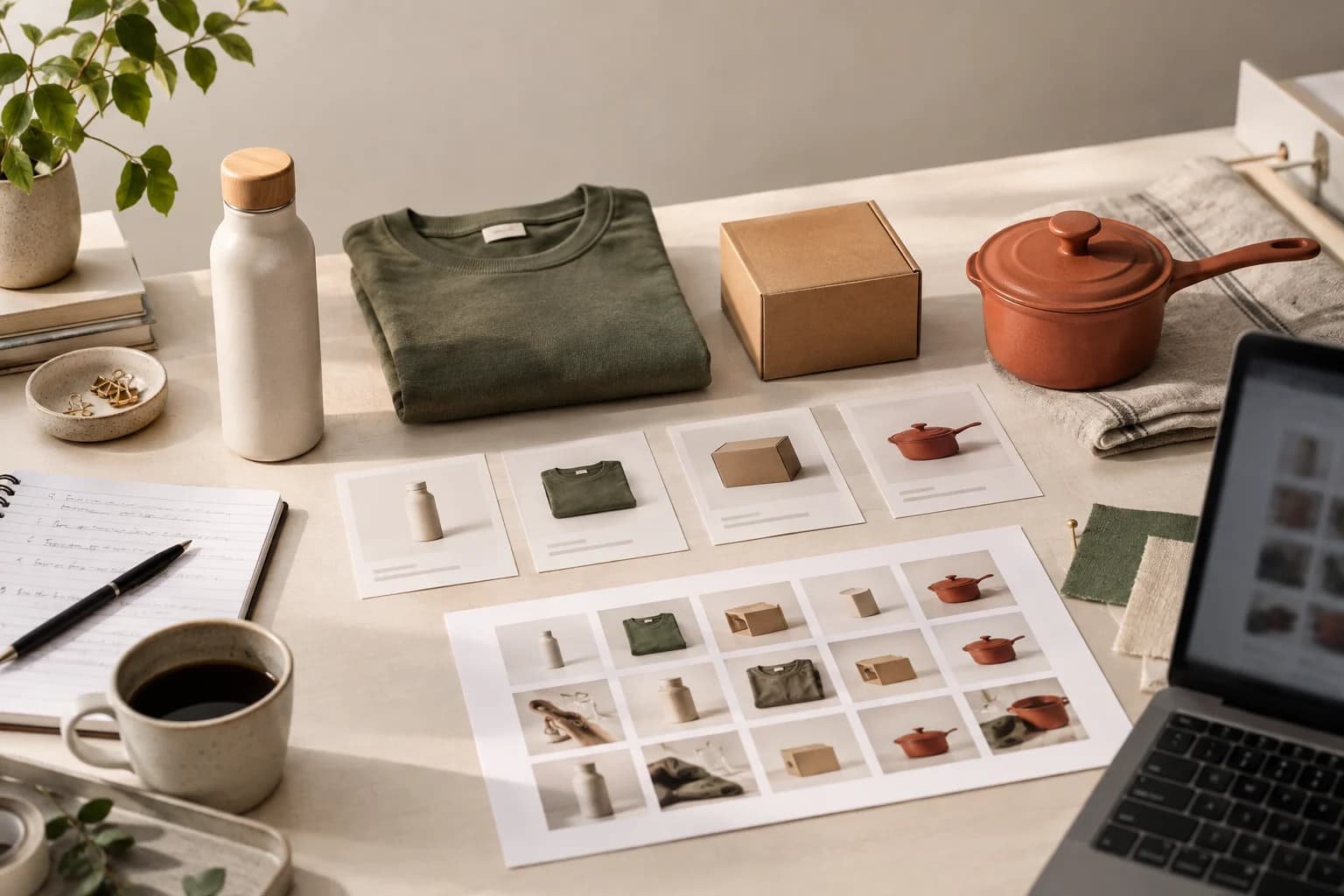
An AI product photography workflow for a full catalog should make the next SKU easier, not just make the first image look impressive. The hard part is usually not generation. It is keeping decisions, references, reviews, and exports together while the product list grows.
Here is a workflow that works for a small store or a lean product team. It leaves room for taste, because a catalog still needs a point of view, but it removes the repetitive setup work.
1. Build a source-of-truth folder
Start with one primary image for every SKU. Add a side view, back view, packaging detail, or material close-up only when it answers a real question. Name the files so a teammate can tell what they are without opening every image.
The goal is not to collect as many references as possible. It is to make the product facts obvious before anyone asks the model to create a new scene.
In Snapzio, the product images, optional references, and generated outputs stay under the same private workspace. That is useful when a catalog has several similar colors or sizes. You can return to the same source instead of guessing which upload was used last time.
2. Set the visual rules once
Decide what should repeat across the catalog: background temperature, shadow softness, camera distance, model style, and how much empty space a social crop gets. These rules do not have to be complicated. A short direction such as "warm ivory studio, soft contact shadow, product-first framing" is often enough.
Then allow a few controlled differences. A bottle may need a bathroom scene, while a tote needs a city sidewalk. The images can share light and framing without pretending that every product belongs in the same room.
3. Turn the catalog into jobs
Do not ask for "some nice pictures" for every SKU. Create jobs with an output purpose:
- a clean hero for the product page;
- a close detail view for material and construction;
- a lifestyle image that explains use or scale;
- a square or vertical social image for a launch.
Snapzio's Single, Photoshoot, and Campaign modes map to this kind of planning. You can create one image to validate a direction, four coordinated angles for a product set, or six images for a broader campaign.
4. Quote and batch in small groups
Large batches look efficient until one bad direction is repeated twenty times. Quote the image count, resolution, format, and credit cost first. Then run a small group of representative SKUs. Include one easy product, one product with a difficult material, and one with important packaging text.
Review that group before expanding the recipe. This is less glamorous than pressing generate on the entire catalog, but it saves a lot of cleanup.
5. Review product fidelity before polish
Use a simple review order. First check shape, color, proportions, label, logo, and material. Then check the scene, light, crop, and negative space. Finally ask whether the image has a job on the page.
AI is still unreliable with tiny text, fine jewelry settings, small hardware, and reflective surfaces. Mark those assets for closer review instead of pretending one approval covers every output.
6. Keep a useful library
A catalog workflow becomes valuable when the next promotion does not require a full restart. Keep the chosen product references, visual direction, output decisions, and approved files together. After a successful Snapzio run, the most recent setup can be applied again; review it for the new SKU instead of treating it as an automatic catalog template.
Snapzio is built for that repeatable loop: source image, plan, quote, generate, review, download. It is not a replacement for a physical sample check, but it gives a small team a clearer place to do the work.
See the catalog workflow in Snapzio and start with a small group of products. The free starter credits are better used to learn the recipe than to generate a giant batch on the first try.