Features

AI PRODUCT PHOTOSHOOT

AI product photoshoot for complete campaigns

Start with the product, not an empty prompt. Snapzio plans the useful shots around the selling goal while keeping the approved source as the reference.
Create a campaign with my product →
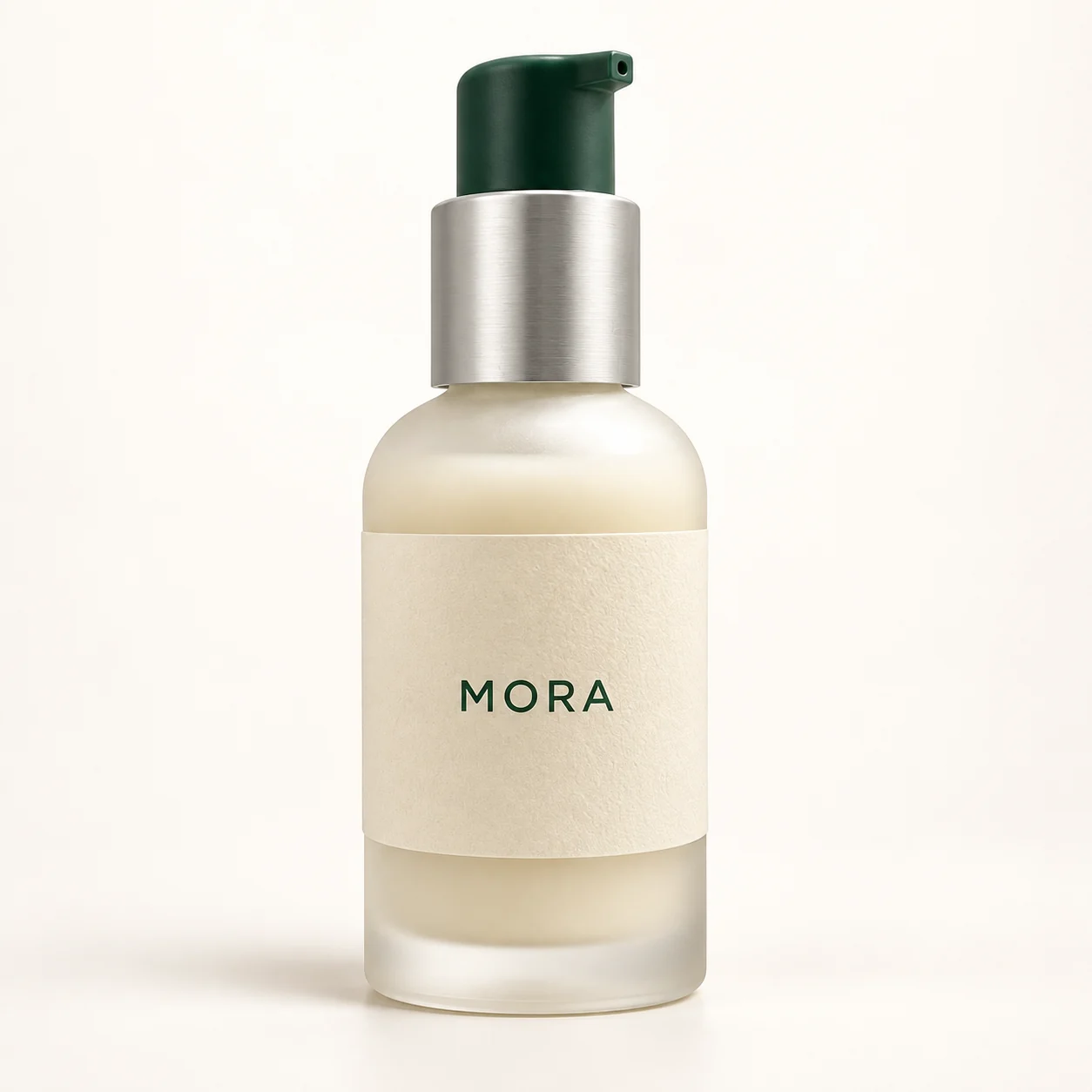
Grounded in texture
Visual direction example · Review against the real product before publishing
01

What you get

  • Clean listing heroes
  • Lifestyle and detail scenes
  • Coordinated social crops
02

Shortest workflow

  1. Upload a clear primary product photo and optional detail references.
  2. Confirm the selling goal, channels and one creative recipe.
  3. Review the full image storyboard and credit estimate before generation.
03

Product-fidelity guardrail

Shape, label, color and material are treated as locked product facts. Background, setting, model, light and composition are the editable layers.

FAQ

Know before you generate

Do I need photography prompts?

No. The campaign brief and chosen recipe are compiled into generation instructions.

Can I approve the shot list first?

Yes. Every planned image, format and credit estimate is shown before generation.