← Publishing channels

TIKTOK SHOP IMAGES

AI product images for TikTok Shop

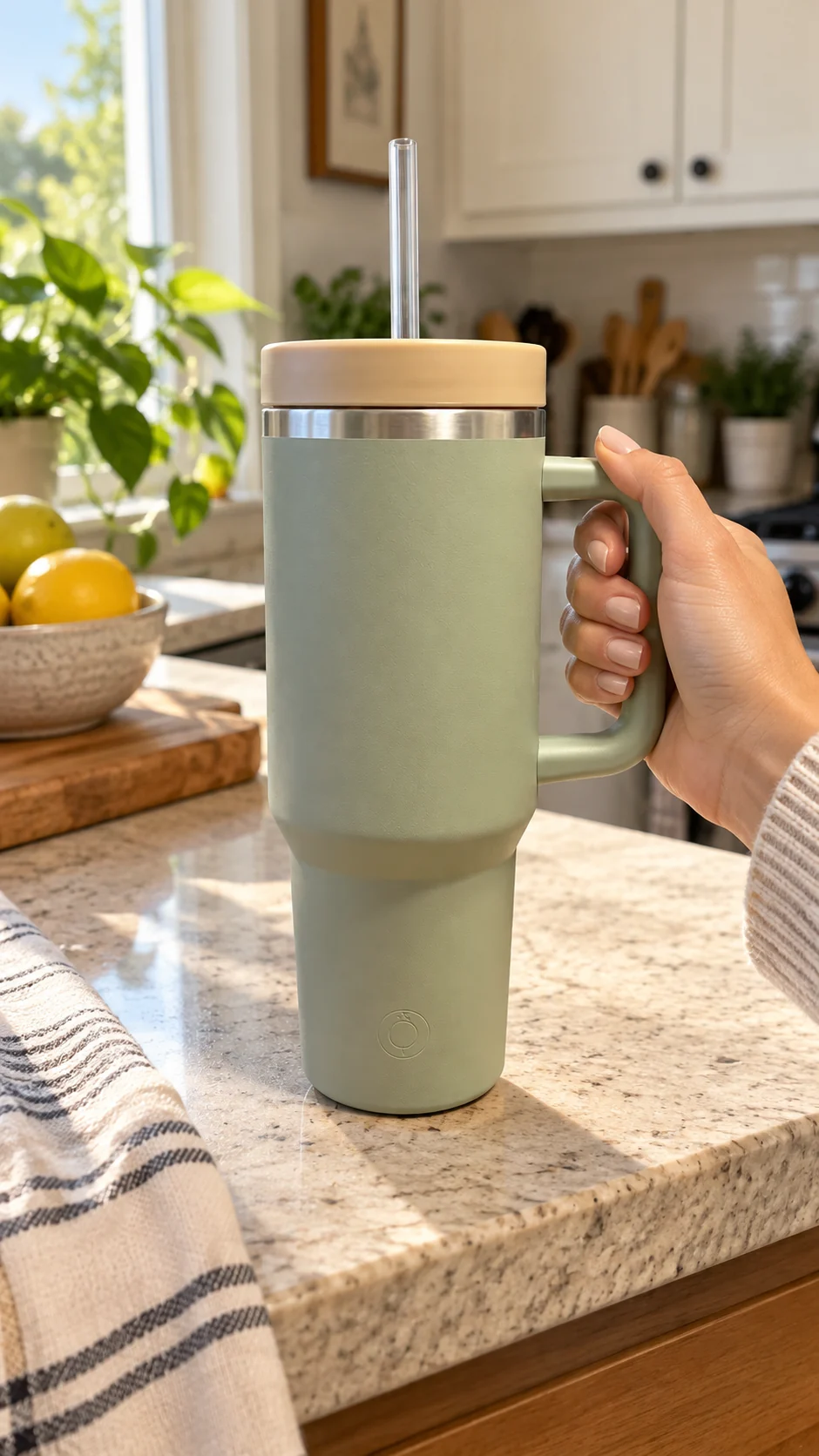
Make the product recognizable immediately, keep one selling point clear, and create still images that fit vertical and feed placements.
Create images with my product →
Built for the vertical feed
01

What you get

  • Vertical product image
  • Feed-ready social creative
  • Product-led lifestyle scene
02

Shortest workflow

  1. Upload a clear product source.
  2. Choose the setting, style, and first benefit viewers should notice.
  3. Review the aspect ratio, resolution, and credit cost before generation.
03

Product-fidelity guardrail

Aspect-ratio presets are workflow guidance, not a guarantee of listing or ad approval. Review current TikTok Shop requirements before publishing.

FAQ

Know before you generate

Does Snapzio publish to TikTok Shop?

No. Download and review the generated images before uploading them to your channel.

Can I create vertical images?

Yes. Choose 9:16 or another supported aspect ratio before generation.